Quick Start
Zero to a game in about five minutes.
1. Create an account#
Go to tablecommander.com and head to the login page. You can sign in with Discord or Google, or click Create one to make a username and password. All three give you the same account.
Just want a look first? Try as Guest on the home page drops you straight in for a couple of hours. Guests can join a friend's table by code or create a private one, and paste a decklist at the seat. Nothing is saved once the session ends.
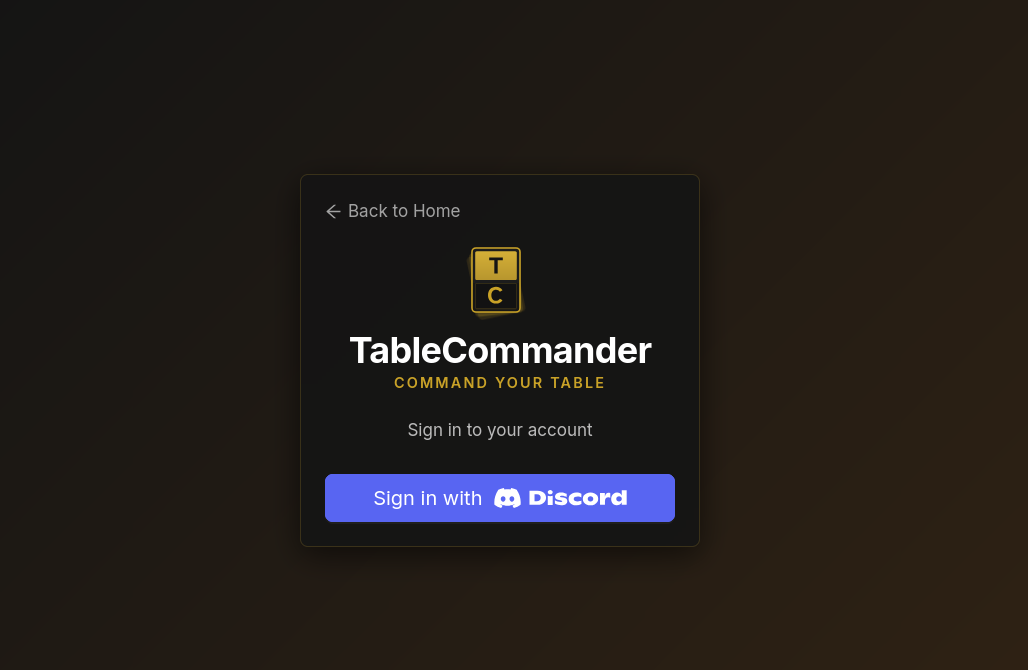
More detail in Creating an Account.
2. Get a deck#
You need at least one deck. Three ways to get one:
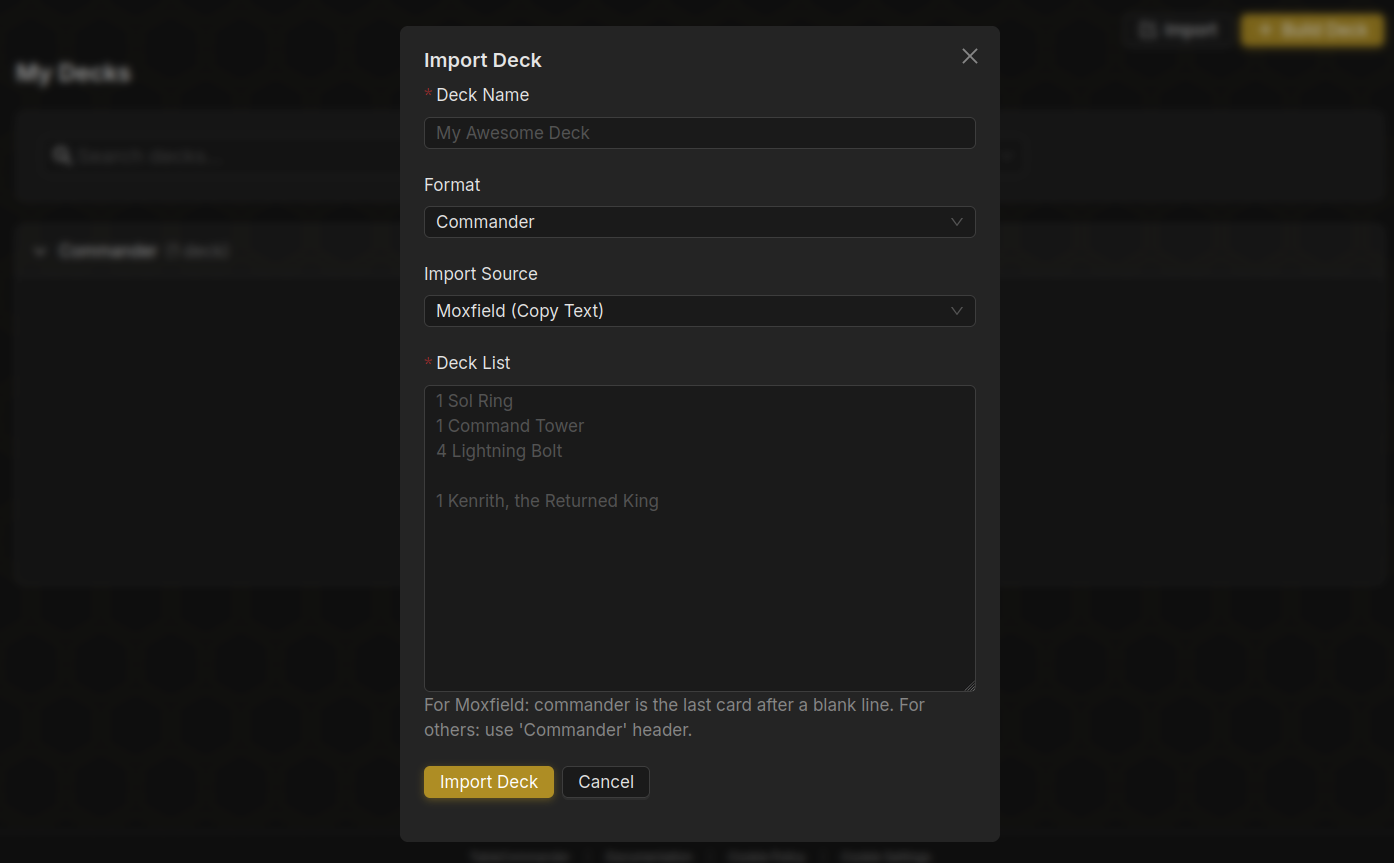
- Import from Moxfield or Archidekt. Open Decks and click Import. For Archidekt, pick From URL and paste the deck link. Moxfield block link imports from other sites, so for Moxfield export the list there and paste the text.
- Paste a decklist. Same Import button, Paste Text tab. Standard
1 Sol Ringstyle lines work, as do exports from most deck sites. - Copy a precon. The Precons section of the Decks page has every Commander precon. Open one and choose Copy to My Decks.
3. Create a table#
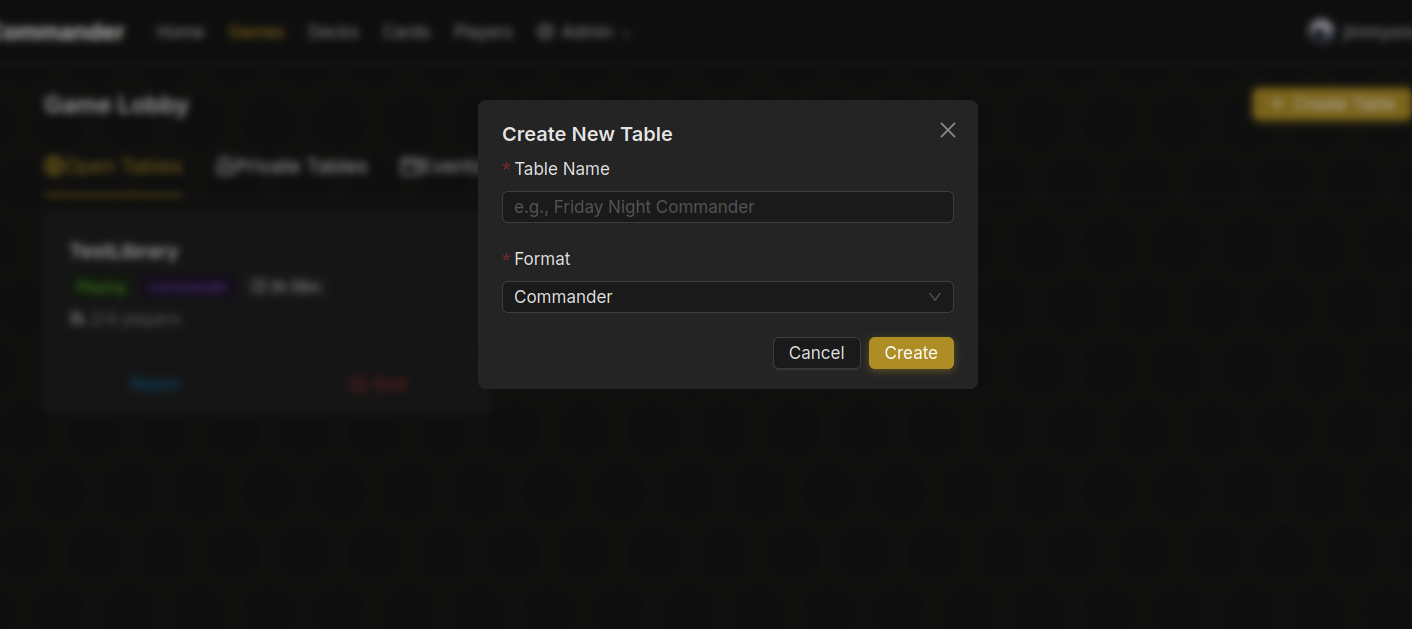
Open Games and click Create Table. The defaults are fine for a first game. The ones worth a look:
- Format. Commander by default. Others are in the list, some marked Beta.
- Visibility. Public tables show in the lobby for anyone. Friends, Private and Playgroup tables need an invite code.
- Table Size. 1v1 or 4 players. 6, 8, 10 and 12 seat tables are a supporter perk (10 and 12 are in beta).
4. Get players in#
Every table has a six character Invite Code, shown at the top of the table page. Send it to your friends. They click Join by Code on the Games page and type it in.
Public tables also appear in the lobby, so strangers can fill empty seats if you want them to.
5. Start playing#
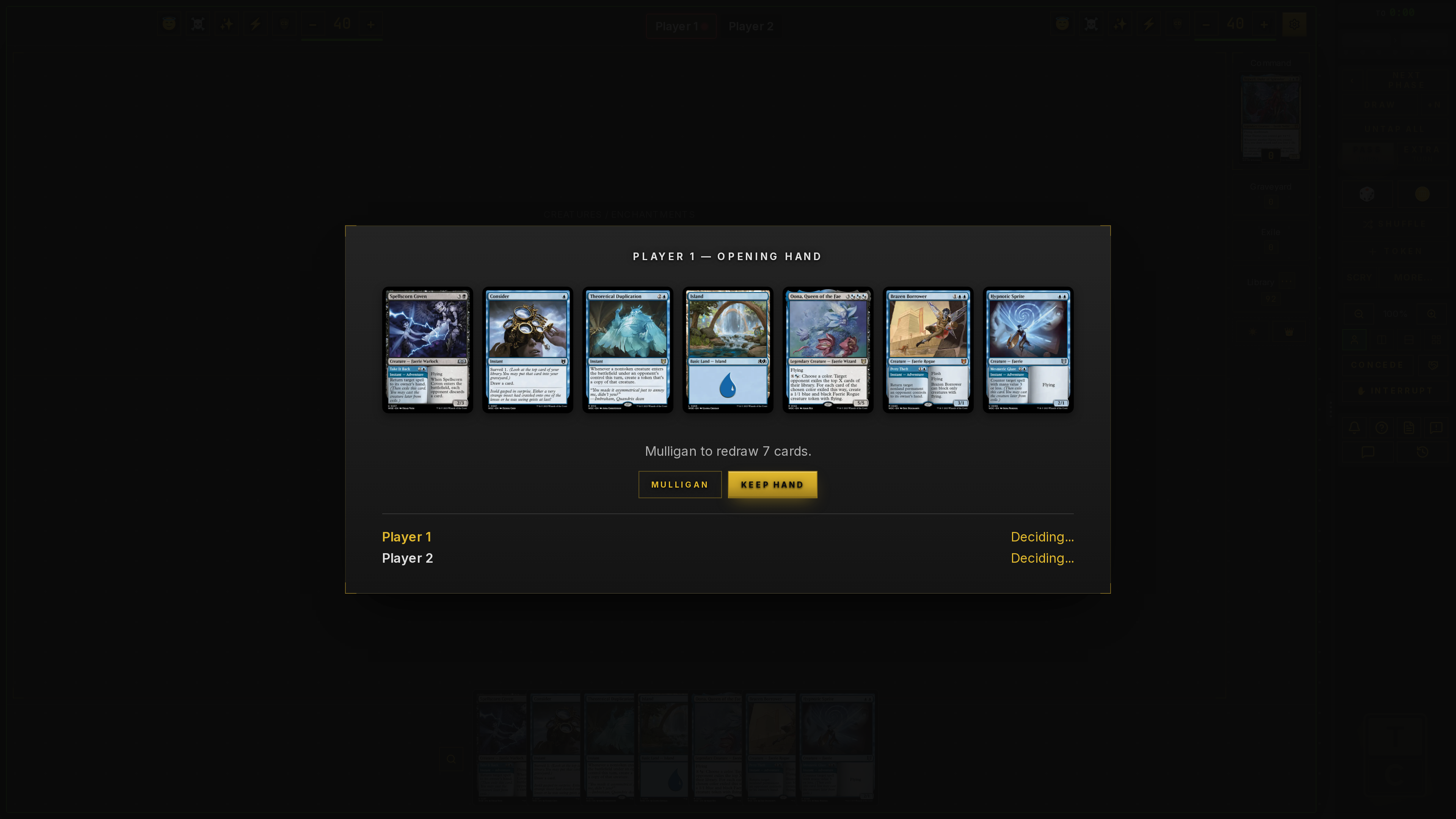
Each player picks a deck from their library. When everyone has one, the host clicks Start Game. Decks are shuffled, opening hands are dealt, and you get a short window to mulligan before the first turn.
Next steps#
- Your first game, the table lobby and pregame in more detail
- Game controls, how to actually move cards around
- Importing decks, for anything the Import button doesn't handle first time
- Add friends, so your group can find each other