Deck Management
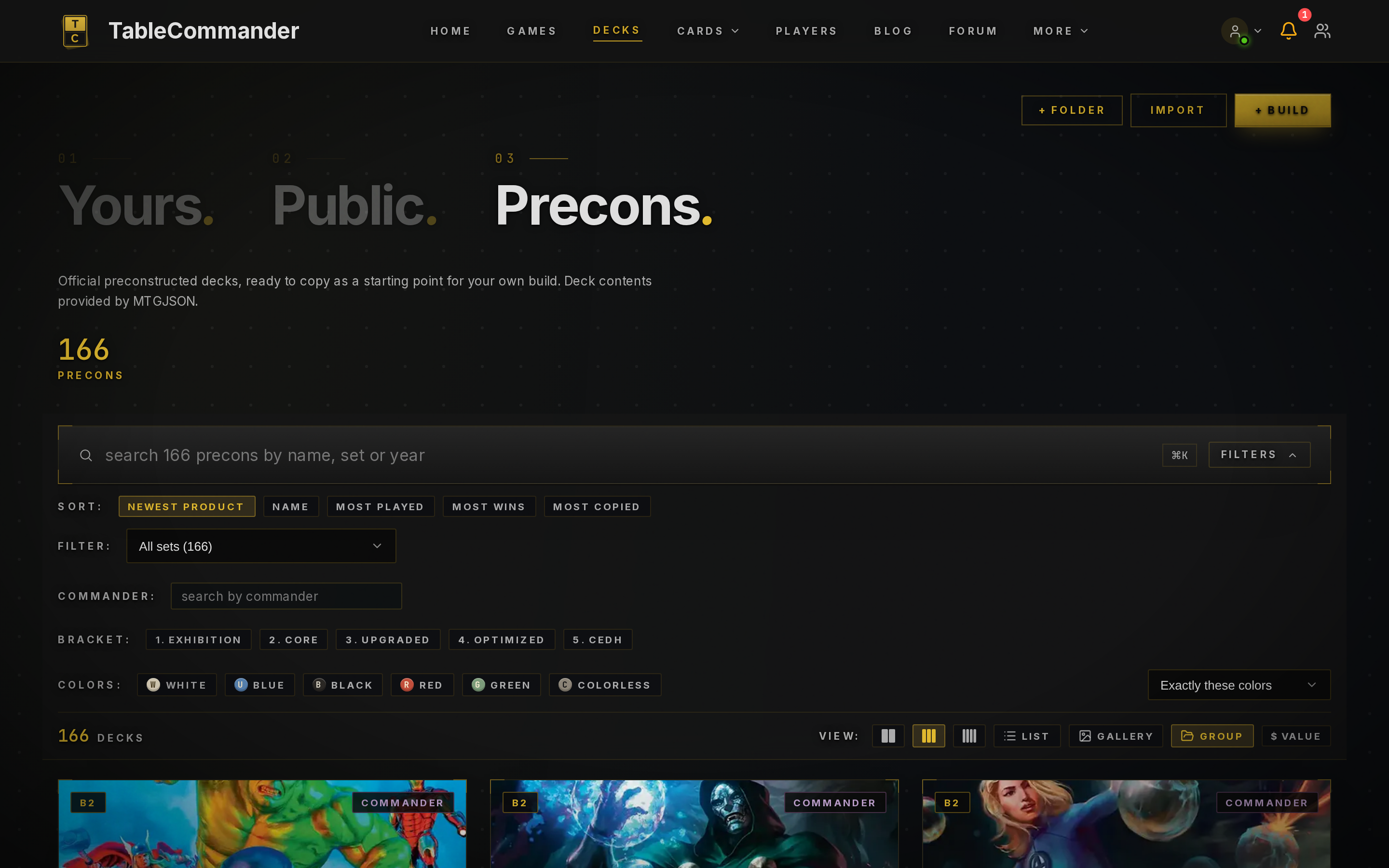
The Decks page is your library. Four sections along the top: Yours, Public, Precons and Cubes.
Getting decks in#
- Import from an Archidekt, CubeCobra or CubeForge link, a pasted list, or a TableCommander JSON export. See Importing Decks.
- + Build starts an empty deck, unlocked and ready to edit. See Deck Builder.
- Precons has every Commander preconstructed deck. Open one and Copy to My Decks.
- A cube is a card list you draft from rather than play. Cubes is a shelf of well-known ones you can draft straight away. See Cubes and Cube Drafts.
- Public is other players' shared decks, sortable by most played, most wins and most copied. Anything there can be copied too.
Star a deck from its card or its ⋯ menu to make it a favourite. Favourites sit at the top of the pick-a-deck list in a table lobby, so the decks you actually play are always to hand. Sorting here is unaffected.
What a deck page shows#
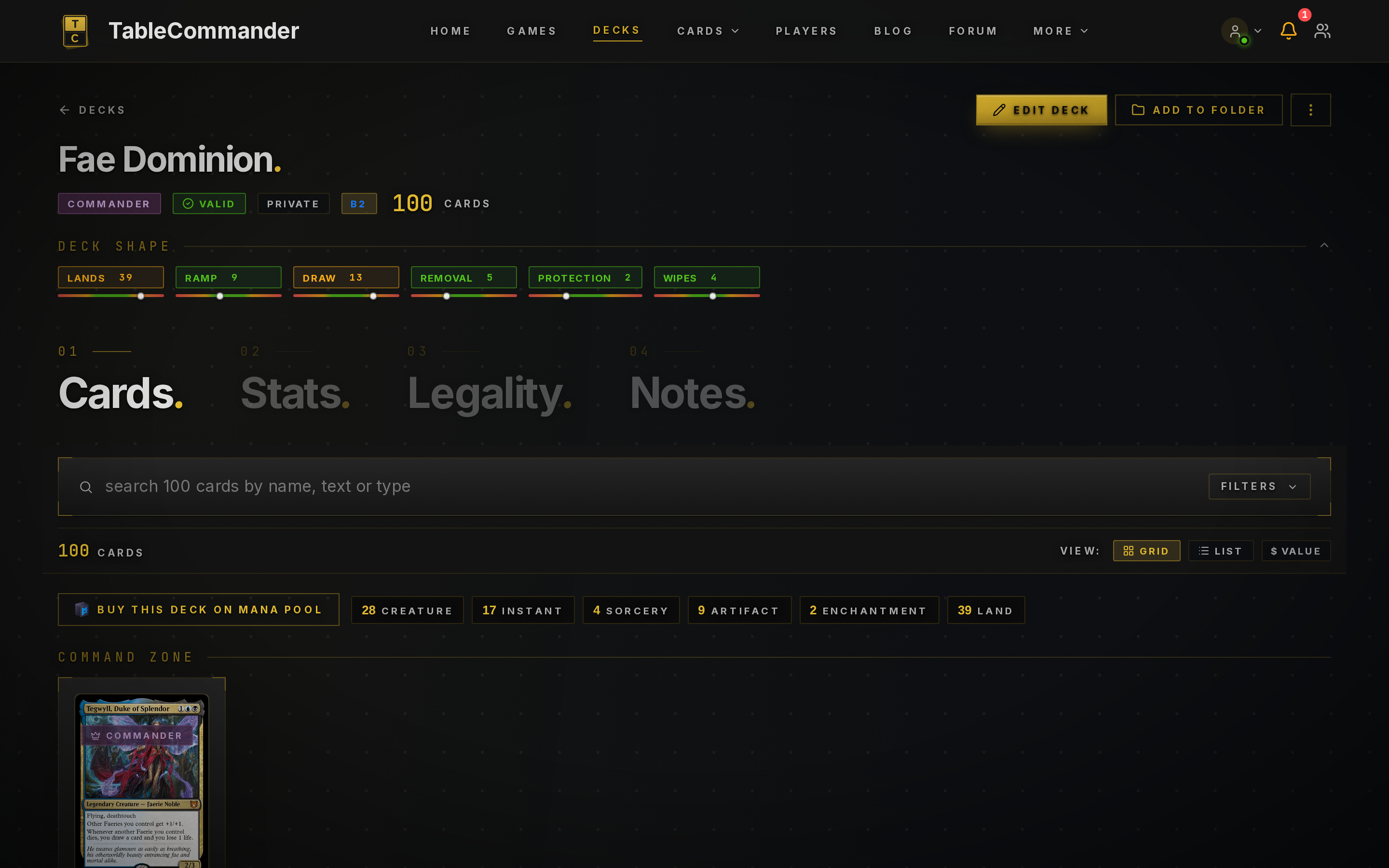
Under the name you get the format, whether it's legal, its privacy, its bracket for Commander decks, and the card count, with any sideboard and tokens shown separately. A Deck Shape strip counts lands, ramp, draw, removal, protection and wipes against sensible targets so you can see at a glance where a list is thin. Click any of them to see the cards behind the count.
Then four slices:
- Cards, grouped by type, with the command zone up top. Two rows of chips above the list count each card type and each rarity in the main deck, and clicking one filters the list to it.
- Stats: mana curve, colour breakdown, rarity split, type counts and the deck's current price. The colour panel has a switch for how a card's colour is read: printed colour, colour identity (so devoid Eldrazi show up in their pip colours) or mana pips, where a BBB card weighs three times a 2B one. The curve's colour segments follow the same setting, and the choice is remembered on your device.
- Legality: every issue and warning for the deck's format, checked live.
- Notes: a free text box for ideas, sideboard plans and matchup notes.
Public decks also get likes and comments, and a Combos panel listing the infinite combos in the list plus the ones you're one card away from. Combo detection is off for decks over 300 unique cards.
The deck menu#
The ⋯ menu on a deck is the same in the list and on its page. In the list, click the card to view it and use the star on the card to favourite it.
- Playtest opens a solo game against another of your decks.
- Rename… changes the name. On the deck's page you can also click the name itself.
- Make Public / Make Private flips its privacy in one click.
- Share copies a link. Only works if the deck is public.
- Collaborate lets a friend edit the deck with you.
- Duplicate makes a copy in your library.
- Archetypes… and Labels… describe it. See Organizing Your Decks.
- Export has Text, Copy as Text and JSON. Text is the standard
1 Sol Ringformat any site accepts. JSON keeps everything TableCommander knows about the deck and re-imports exactly. - Move to… puts it in a folder (in the list; on the deck's page it's the folder button).
- Delete.
Privacy#
Flip it from the deck's ⋯ menu, or set it in the deck's Settings:
| Setting | Who can see it |
|---|---|
| Private | Only you (and collaborators) |
| Public | Anyone, and it's listed in Public decks |
Public decks can be browsed by format, commander, bracket, colours and archetype. Set a deck's archetypes from its ⋯ menu so it turns up in the right searches.
Folders#
Supporters can group decks into folders, label a deck so it shows up under several playgroups, and flip a whole folder public or private at once. Everyone else sees a single flat list, which is fine up to a point. Organizing Your Decks covers it.
Limits#
A deck can hold 2,000 cards and 1,000 copies of any one card. Those are engine limits, not format rules. A deck over the limit can be edited but not brought to a table.